After all these years, my favorite thing to teach has always been U.S. Government! I adore working my way through the three branches of government and am constantly looking for new ways to engage middle schoolers with content that doesn't make an automatic connection with their lives.
I recently found the Genially website and knew that I could use this to create a super engaging activity! Genially is a website that allows users to create super interactive presentations, quizzes, games, and escape rooms.
It is free to use in your classroom and includes all the tools I could want! I can record audio right in the website, insert icons, link to other website, make game boards, and more!
I used the tool to make this engaging digital escape room where students got locked into the Capitol Building overnight (I know... we should really talk to the proper authorities!) and they need to learn about Congress and solve puzzles to escape!
I also love Genially because the tools offer me many avenues to differentiate and accommodate for my emerging learners:
I have added audio reading to pages that contain text.
Genially works with accessibility extensions like Read and Write for Google and Read Aloud. The hover speech function of Read and write works wonderfully on this game.
Genially works wonderfully with the Google Translate extensions. It will translate each page separately.
In order to move through the escape room, students need to answer questions correctly. They are redirected when they are incorrect. This supports executive learning.
If you head on over to my store or Teachers Pay Teachers you can get this resource for 50% off for the first two days!
Soooooo... what is everyone up to? Ha! Just kidding! We are all biting our nails wondering what next year is going to look like. No matter how we go back in August, it won't be the same as any other of my 20 years!
As a tech coach in my district we have been talking a lot about how we can use tech to take over some of the basic things we do with our kiddos. Just this week I had a conversation where we realized we won't be able to use legos, blocks, playdoh, or even come sit on the rug.... ugh.
Woah! What a start to summer!!! We have watched movies in the backyard outside, seen Toy Story 4, and spent a ton of time in the pool! I so enjoy the slower pace of life and my time with my kiddos that are growing up way too fast! I also appreciate that I have only been on break for 5 days and I have tons more to enjoy!!!
As many of you know, I get absolutely jazzed around election time and the upcoming: Presidential election is no exception!!! I wanted to take the time this summer to create some great resources to get your students jazzed and informed about the next election. Today I have finished my labor of love (I've been working on this since February!!) of candidate resumes and task cards for all 27 major candidates. It is a great way for your kids to get a concise overview of each candidate so they can compare and contrast. On each resume, I have included biographical data, education credentials, work history, & military experience. I have chosen to focus on minimum wage and economically helping families, education, immigration, and healthcare for the issues discussed. There are 21 task cards that help students investigate the candidates in greater detail. I have them look for those that have been governors, served in the military, been a Rhodes Scholar, etc. The task cards give the students a scaffold for investigating these amazing women and men!
This item is going to be part of a larger growing bundle. I will be making a Primary Word Wall which will help students understand topics like Deferred Action for Childhood Arrivals (DACA), single payer insurance, refugee status, and much more. I will also be creating an interactive bulletin board to track the primaries in January, and an escape room to help students navigate and further understand the presidential primary process! I think that should take up my summer nicely (on top of teaching coding camp and taking a course in STEM education....at least I'll have a tan while doing it!) ***Head on over to my Teachers Pay Teachers Store right now! This item is 50% off till midnight on Friday!
A couple of days ago I posted a picture of my digital planner on Insta and a couple people asked if I could share my template! Of course I can, but I also wanted to give a quick tutorial as well.
Not only do I use Google Slides, I use the Bitmoji extension for Chrome, the Noun Project add-on for icons, and the Unsplash add-on for amazing commercial free photos. These are also two add-ons I use in creating my TPT products!
I got a question from a colleague yesterday on the best ways for kids to access books online this summer. Specifically we were looking for free books because we are a Title 1 district and wanted the process to be as easy and as inexpensive as possible for the parents of our community.
As usual I went into a DEEP dive. I turned to my favorite Facebook Community, "Teach with Tech" . This community is affiliated with the Teach with Tech Online Conference that I will be presenting in this summer.
The conference is entirely online from July 22 - July 24. If you sign up and choose the free option you will have access on the 22nd to that days 21 presenters. You will have access to those 21 videos until July 29th. For $10.95, you will have access to all three days, 60 presenters, and can view all of their presentations for up to a year! I might be biased, because I am presenting, but I think that is a steal!
Anywho... I totally digress! I turned to the Teach with Tech community on Facebook and crowd sourced the answer. As usual, I was blown away at the amount of information I received and the willingness to collaborate of everyone involved!
I got so many great ideas, I wanted to get them all together. I expanded from just ebooks because that is definitely a one size fits all topic. Students can work on their literacy skills in many different ways!
Favorite Paid
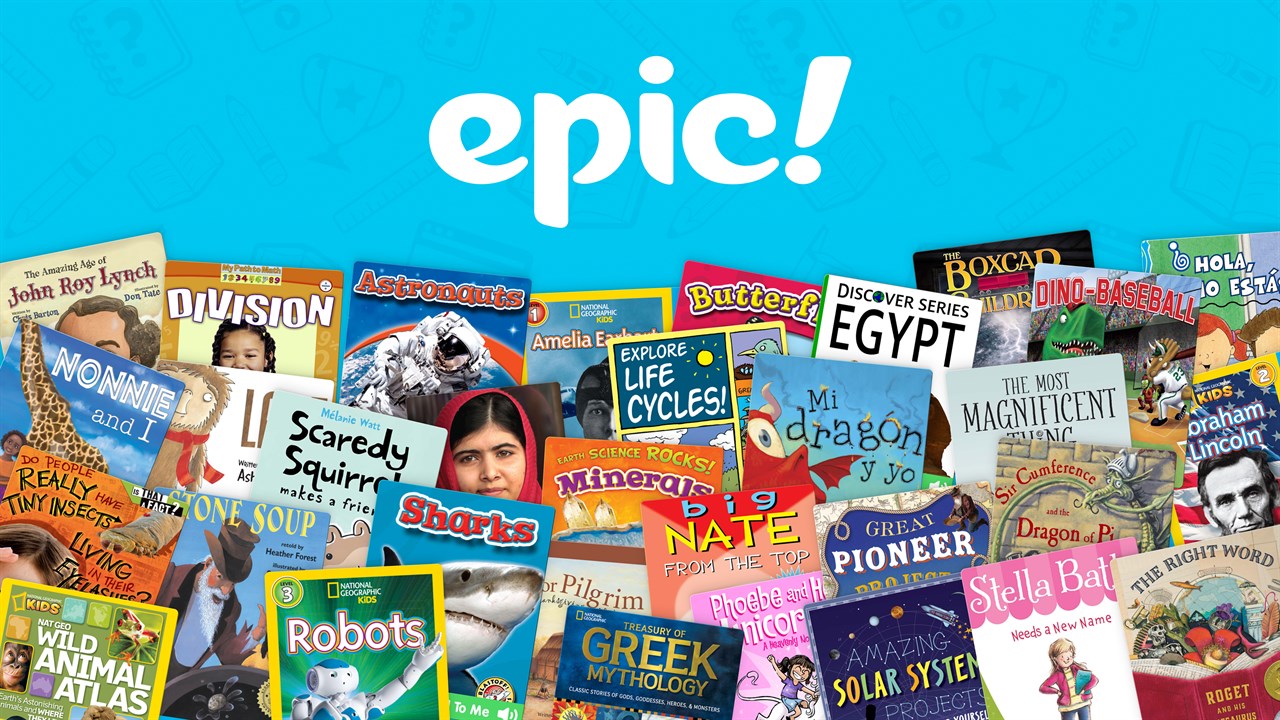
My absolute favorite is Epic! Books. It is free for teachers, but for parents to use it over the summer, they would have to subscribe for $8 a month. Teachers can print out flyers with directions from their accounts. Parents also get their first month free. For more information on Epic! Books, check out my blog post here.
2. Favorite Free
If you are a Title 1 School, you have access to Open eBooks, a free digital library for elementary, middle, and high school students. The easiest way to access these books is by signing up with First Book, and then follow the directions for signing up with Open eBooks. Open eBooks has a pretty amazing selection and is good for students in PreK through high school.
3. Favorite Find
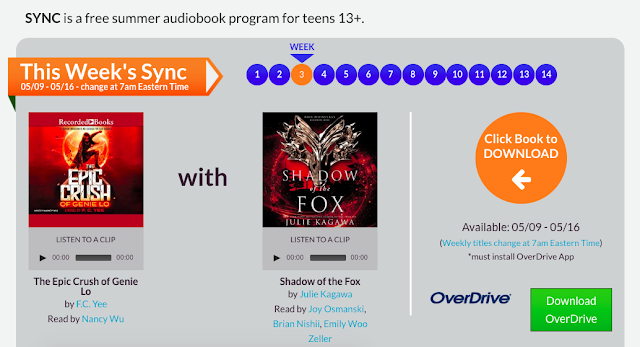
One of my surprising favorite finds is Sync: Audio Books for Teens. Every week during the summer, middle and high schoolers can download two audiobooks for free. Students will need to download the free Overdrive app to listen to the books. I have already downloaded this weeks books and I'm addicted! The website comes with flyers and handouts to give to your students before they leave for the summer.
4. Your Library is Your Friend
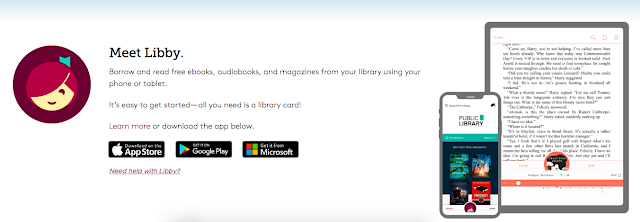
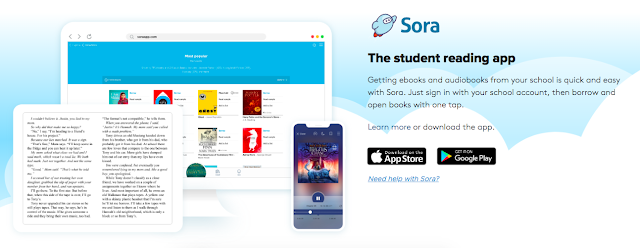
The most suggested free reading option was without a doubt, your local library's digital resources. Many libraries use the OverDrive app to offer free access to eBooks and Audio Books. The Libby app and the Sora app are associated apps that help you search your local libraries for the books you need.
As a teacher, reach out to your local librarians. You can definitely take a field trip to the library but many librarians will come to your school and show the students how they can access the digital resources. Most importantly, if you are in middle school, take the time to let the kids take out their devices and walk them through the process of signing up.
5. Who knew YouTube was for more than just cat videos?
A couple years ago one of my middle schoolers told me that whenever she wanted to read a book and didn't have the money to buy it, she just went to YouTube and found someone reading the book aloud. She was totally right. If you are looking for middle and high school books, students can often find them on YouTube.
It is not true for every book but there are many titles available!
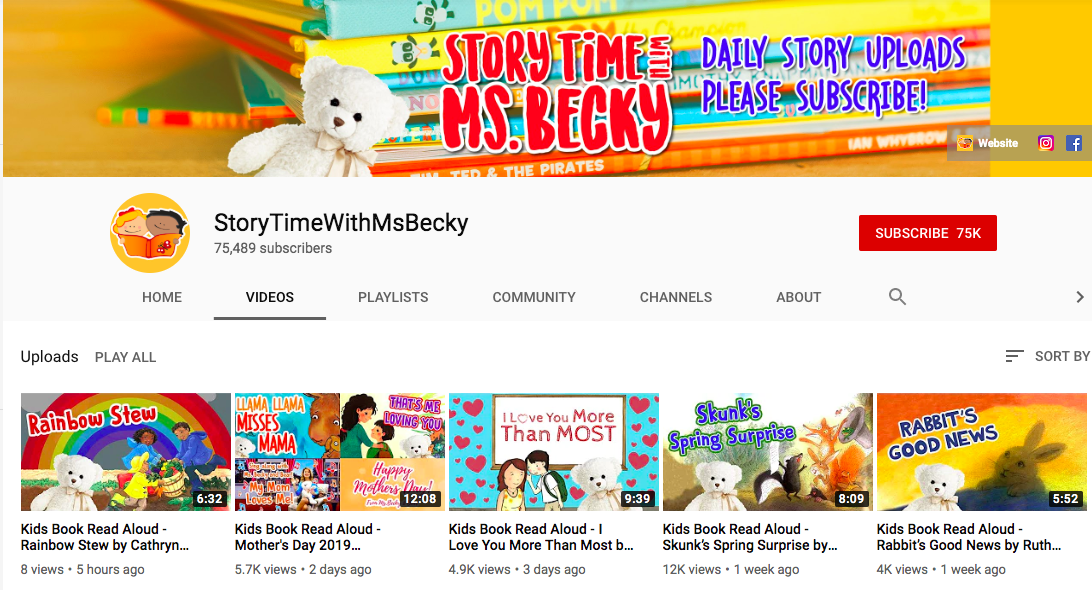
This is also true for elementary books! There are some fabulous people out there dedicating entire YouTube channels to reading aloud picture books.
This would be awesome to provide to parents. Many parents don't share literature with students because they don't enjoy it themselves or they simply are not good at reading aloud. The channels would be great to share so the whole family could enjoy reading together.
Below is a growing database of online reading options for summer. Toggle through the fields at the top to find what you need. Here is a quick link to the database:
Lastly, don't forget about podcasts! I know they aren't books but if our focus is trying to get our students to read, listen, and think podcasts can help kiddos do that! Take a look at my podcast post. Below is a podcast database!
Please reach out and let me know of you have any suggestions to add to my list!
Hey all! I wanted to jump on super quick and show you a cool tool. I always feel like I have to write a novel on here and then I posy great ideas on my Instagram but I really need to combine them!
I have been dabbling in the world on Escape Rooms and am really enjoying myself! I have made a couple of physical escape rooms and some digital ones and both kids and adults love them. I was teaching the concept in a grad class of current teachers the other day and they all loved the concept but realized it does take a chunk of time to create one.
On my quest to make their lives easier, I found the Flippity.net, which I already love to use for putting students into groups or choosing a random name. Has a quick and easy lock generator!
Basically, you enter your prompt, answer and hint on a spreadsheet and Flippity makes the locks for you.
I have embedded these in a Google site digital escape room but I can see this used in many different ways!
Take a worksheet and cut it up to make the problems separate "locks". Make the answer the combination to the lock. Add even more engagement by placing these problems up on a wall or around the classroom.
If you have a station activity, add an overarching question and answer that they have to unlock before they move to the next station.
Us the locks for a whole classroom reward! Countdown to a an event, vacation, etc. and have a password for each day. If the class meets the expectation for the day, the receive the "password". When the lock are all unlocked, they receive their reward!
So, let's crowd source this idea: how might you use these locks in your classroom? Leave a comment below!!!
If you are interested in checking out some of my escape rooms, click on the links below!
If you have followed me for awhile, you know how passionate I am about making an engaging space for my students. I try to amp my creativity up to help spark a passion for learning.
I think it is important for us to create in our own classes so we can model the process to kids. Most importantly, I think we need to give our kiddos the time, space, and support to create themselves.
When I say create, I mean to create artifacts of their learning. No child ever said to me, "Miss, remember that packet we did last year. That was so fun!". Come on...let's be real. I have heard, many times, "Miss, do you remember that play we did/movie we created/game I invented, etc!"
This blog post will be a first in a series of ways you and your students can create artifacts of their learning that will engage them and spark passion!
First up we are talking about my favorite movie making technique: Green Screen! I have been using Green Screen technologies with my students for about 5 years now, and as an instructional tech coach, not a week goes by where I'm either teaching a teacher how to do it or modeling for the educator. Here are some of my tips and tricks!
What do I use Green Screen for?
In my district, we use Green Screen in so many ways! As a teacher, I use it to launch lessons and give directions.
I've used it with students from Kindergarten through high school in many different scenarios.
Storytelling videos to work on their speaking goals - Kinders
Listen to, read, rewrite fables to work on their four domains (reading, writing, listening, and speaking) - English Language Learners
Planned a trip around the world and we used Green Screen to take picture of them "on" their trip. They included these in a slideshow. - 6th grade
Created statues with their bodies to symbolize the weaknesses in the Articles of Confederation and they used the green screen to take picture with backgrounds. - 8th grade
Reported on penguins from Antarctica - 2nd grade
Created PSAs after researching problems teens encounter. - 7th grade
Created videos to go along with merchandise they created - 7th and 8th grade
Took pictures in front of Washington monuments they researched and included it in a project. - 4th grade
Take pictures at family events, after school socials, etc. - elementary and middle school
Book trailers and reports with all grades
Shakespeare retellings with 6th graders.
Fractured Fairy Tales with 2nd graders.
2. DoInk
Green Screen by DoInk is my absolutely favorite way to shoot green screen. It is an app that easily allows you to take videos and photos. You can actually use any color as a background and easily adjust on the app. It is super easy to run. When I use it with 2nd graders, they very quickly push me out of the way and operate it themselves!!!
The only drawback to DoInk, is that it can only be used on IOS phones and tablets. This definitely limits its use for some classrooms.
3. Open Broadcast Software (OBS)
OBS is free software you can download to any computer. If you mention this software around middle schoolers you will often here, "Oh! That is what the YouTubers use!".
OBS is a solid option but it has a much steeper learning curve. I learned it by watching MANY tutorials on YouTube. It is not a tool that younger students could use independently and even middle schoolers find it has a ton of steps. It is, though, a good alternative if you don't have access to an iPhone or iPad. Here is a pretty detailed instructional video I made!
4. iMovie
In my district we have Apple computers so we are lucky to be able to use all the capabilities of iMovie. In iMovie you can layer videos shot in front of a green screen with backgrounds to create the video effect. It is super easy to do. Unlike OBS and DoInk, though, you really don't get to manipulate the items (make the background bigger, make the subjects smaller, etc.) It is very limited in its capabilities but it does layer the two video pretty clearly. Here is a video walking you through this!
There are other ways to make Green videos such as WeVideo and Android apps, but these are my three go tos!
Regardless of partisan politics, election time is a magical time for social studies teachers. We love to teach the current events of the time and intertwine it with the history of our country and elections. Here are some great resources to enhance your students's study of the midterm elections.
Five Thirty Eight is one of my favorite websites to help middle and high school students analyze the polls for the elections. The website is the brainchild of Nate Silver, a statistician who loves to use data to describe politics. He and his team offer a number of graphical representations of data that really help students visualize what is going on.
I love the cartogram because it is a much better representation of how people vote in America.
2) 270 to Win
270 to Win has one of the best interactive maps out there. You and your students can see the people running in each district and state, making it a great way to do some visual research.
PBS has some amazing lesson plans that come with activities and videos to help your middle and high schoolers understand the important topics that surround a midterm like gerrymandering, the voting age, swing states, misinformation, etc. Definitely head on over and check this out!
iCivics has been my go to for a long time so please forgive my fan girling! First off, I love that Sandra Day O'Connor has worked in collaboration with this company to bring civics education to the youth of America. Secondly, every time I used iCivics to reinforce concepts of government in my classroom, the students always walked a way with a deeper understanding. I have had parents tell me that playing Win the White House made them finally understand the Electoral College as an adult!
Although iCivics does not have a midterm election game, they have a bunch that will help your students better understand the legislative branch! Click on each picture to go to the game.
I have created a super fun and low prep escape room to help teach students about the midterm elections! It covers the topics:
What are the midterm elections?
The House of Representatives and the Senate
U.S. Election Fun Facts
History of Voting Rights
The item comes with a fun launch video to get your kids excited! Each "Lock" comes with a reading and a puzzle activity to solve a combination of a lock! This item would also be a great addition to any government unit, regardless of whether we are in an election year or not! Click here to check it out!


.png)
.png)